
Basic includes:
$6.99 – $34.99Price range: $6.99 through $34.99
Activation guide
Go to this PAGE https://account.wondershare.com/auth/account/#/login
Create an account and insert the key code on the Wondershare account.
After signin in Wondershare account, you need to insert the key In’ plan and product ‘ section redeem subscription
After Activation use email and password to activate filmora software
Wondershare Filmora 15 Video Editor is an AI-powered video editing software for creators who want fast editing, creative effects, captions, audio tools, and polished videos without a complex workflow.
Wondershare Filmora 15 Video Editor Key Features
AI-powered video editing tools for faster creative work
AI Extend for continuing video and audio clips directly on the timeline
Dual-timeline editing for managing more complex projects
Source and timeline preview editing for a more efficient workflow
Pen Tool for drawing paths, shapes, masks, and motion-tracked elements
Animated charts with one-click data import and customizable styles
AI Smart Cutout and smart masking for background changes and object editing
AI audio tools including denoise, vocal remover, text-to-speech, and audio stretch
Large library of effects, templates, stock media, titles, stickers, filters, and transitions
Screen recorder, multicam editing, chroma key, speed ramping, and color correction tools
Create Videos Faster with AI Editing
Wondershare Filmora 15 Video Editor helps reduce time-consuming editing tasks with AI tools made for everyday creators. Features such as AI Copilot Editing, AI Text-Based Editing, AI Smart Cutout, AI Thumbnail Creator, and AI Text-To-Video help you move from idea to finished content with less manual work.
Work More Efficiently with a Smarter Timeline
Filmora 15 adds workflow upgrades designed for larger and more detailed projects. Dual-timeline editing lets you manage compound clips through tabs and switch between primary and secondary timelines, while source and timeline preview editing makes it easier to review media and edit with better control.
Improve Visual Style with Creative Effects and Assets
The software includes a broad collection of creative assets for building videos for social media, tutorials, marketing, education, and personal projects. Users can add filters, titles, stickers, transitions, visual effects, stock footage, music, sound effects, and ready-made templates directly into their projects.
Edit Audio, Captions, and Voice with Less Effort
Filmora includes practical audio and text tools for clearer, more professional videos. AI audio denoise can help clean background noise, vocal remover gives more control over audio elements, text-to-speech supports voiceover creation, and AI copywriting can help generate titles, captions, and descriptions.
Who will like Wondershare Filmora 15 Video Editor
Beginner video editors who want a simple, guided editing workflow
YouTubers, vloggers, and short-form video creators
Social media managers creating clips for TikTok, Instagram, Facebook, and YouTube
Educators and trainers making tutorials, lessons, or presentation videos
Small business owners creating promotional videos and product content
Freelancers who need fast editing tools for client projects
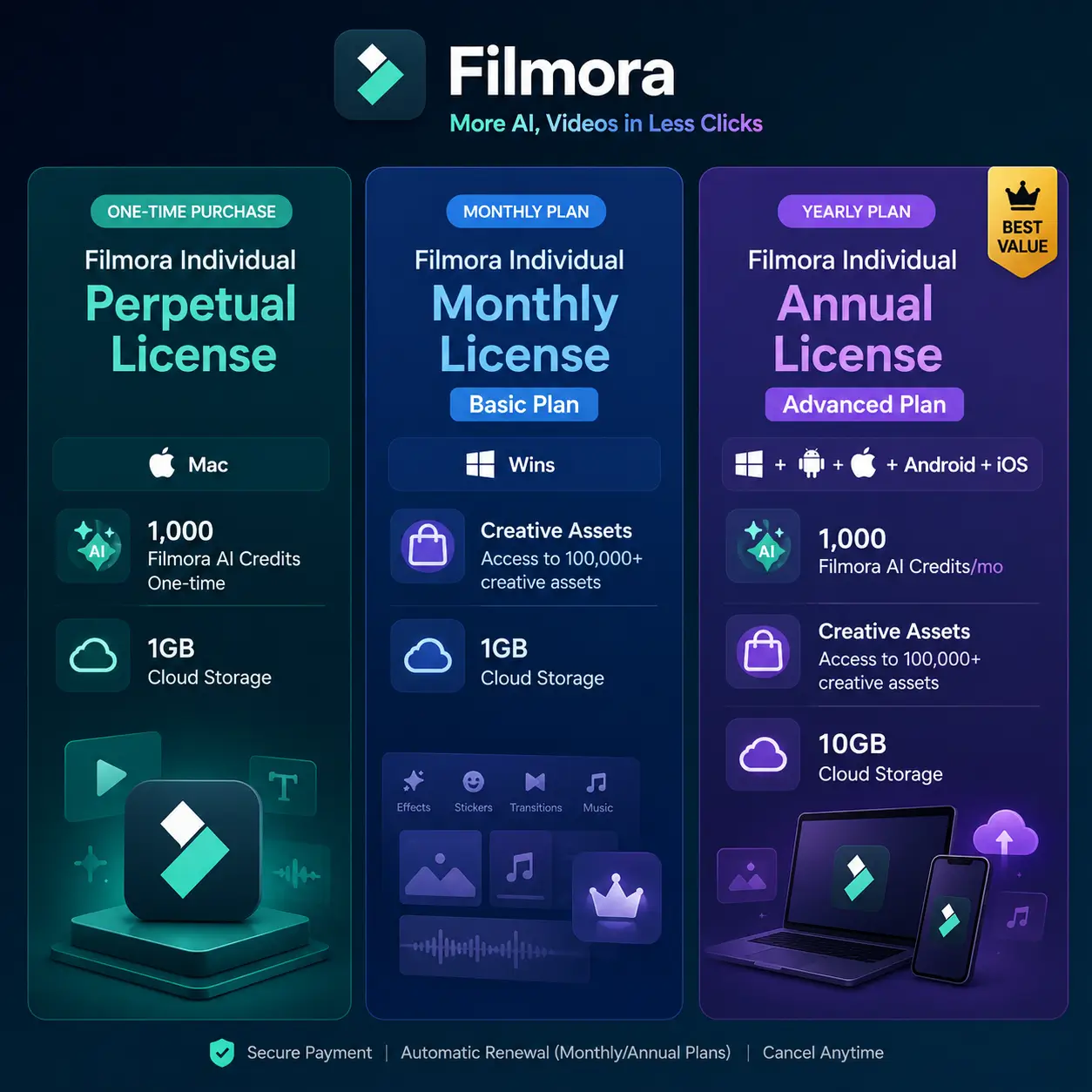
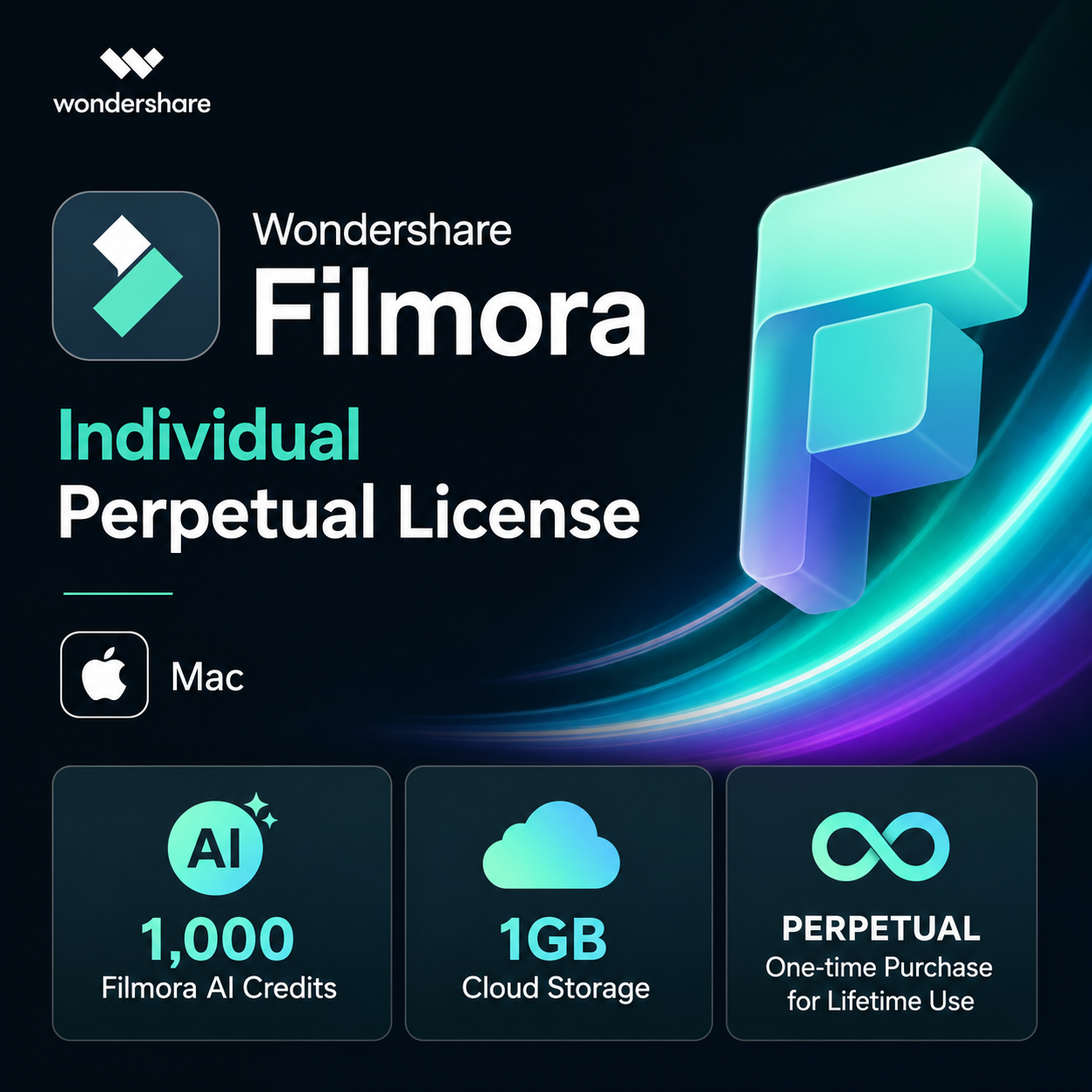
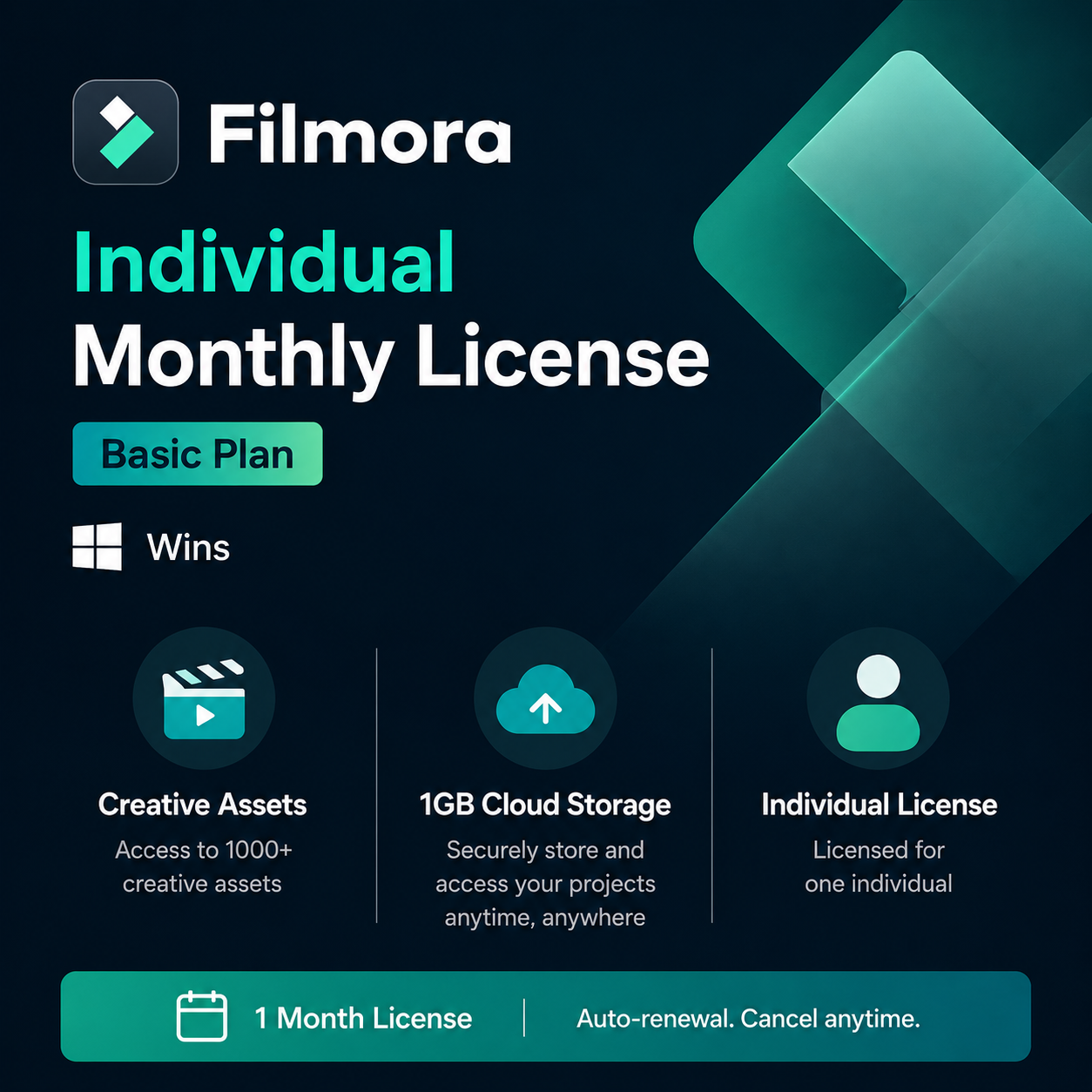
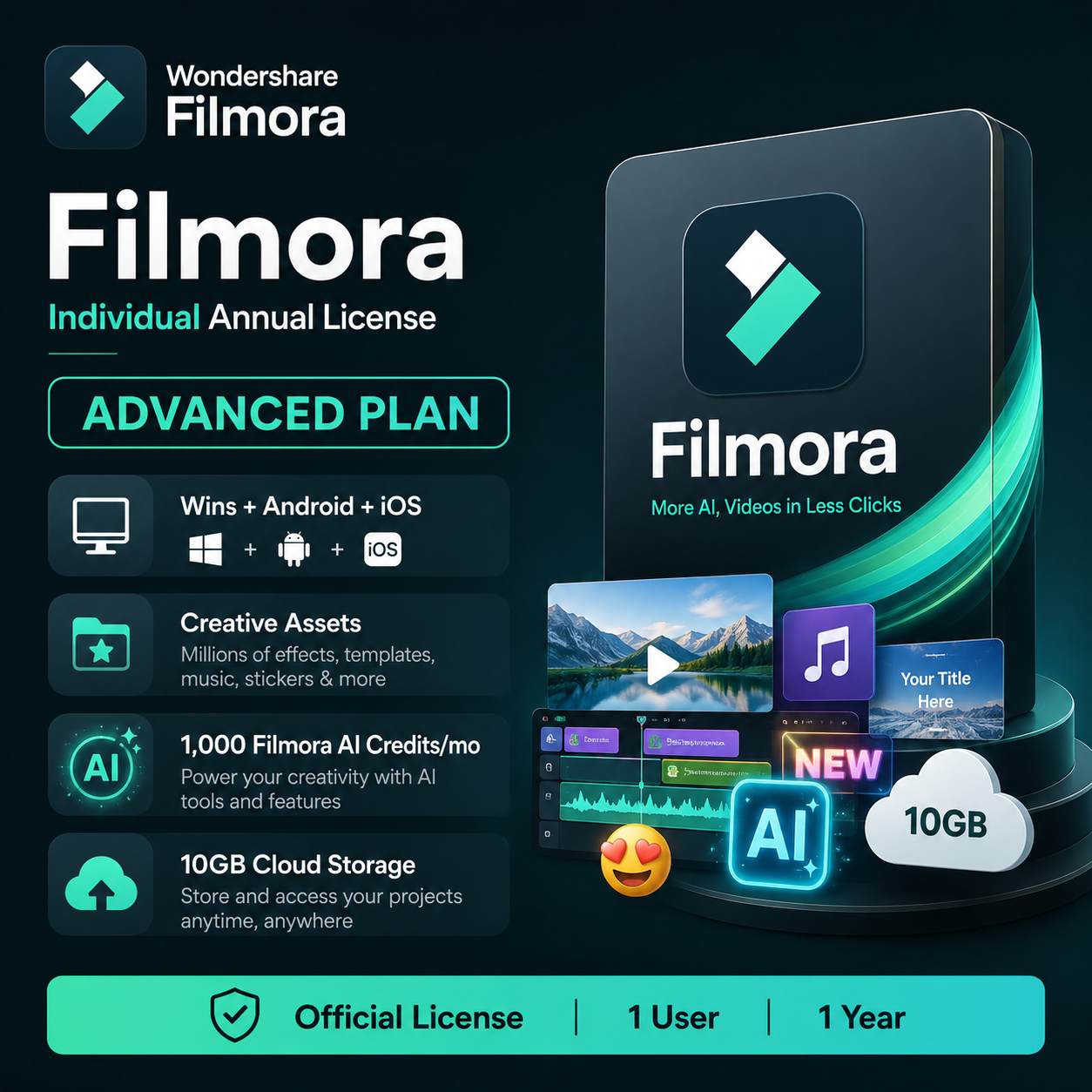
| License Plans | Monthly License Windows (Creative Assets, 1GB Cloud Storage), Individual Perpetual lifetime license Windows (Creative Assets, 1000 AI Credit, 1GB Cloud Storage), Individual Perpetual lifetime license Mac (Creative Assets, 1000 AI Credit, 1GB Cloud Storage), Individual 1 Year Annual license Advance Plan (Win + Anroid + IOS, Creative Assets, 1000 Filmora AI Credits, 10GB Cloud Storage), Filmora AI Credits (5000 Credits) |
|---|
We value your privacy and protect your personal and financial information against fraud with advanced encryption measures.
Get support from our advisors via live chat or email within 24 hours.
We’ll send your free lifetime update Keycode within minutes.

Reviews
There are no reviews yet.